6 am
Your whole day in one video.
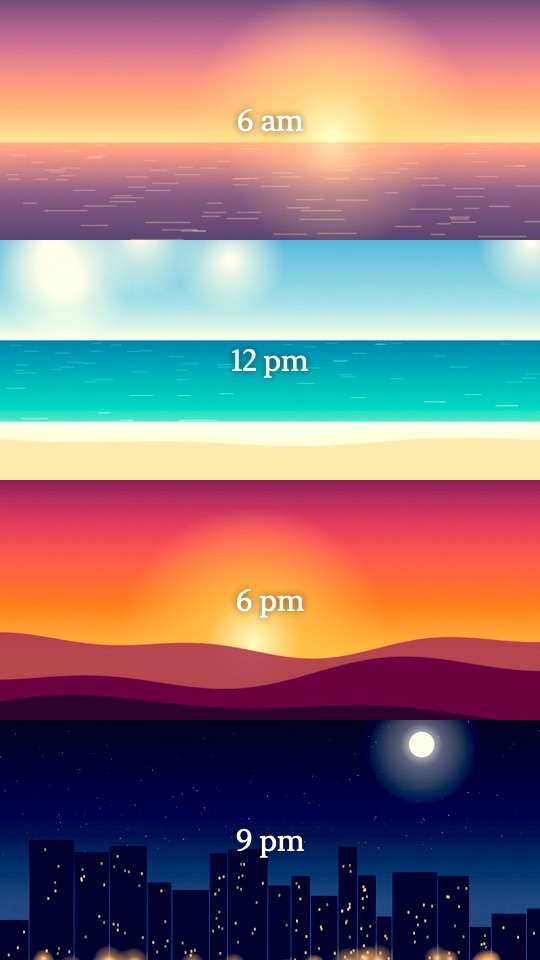
Daystack stacks the clips and photos from your day into a single 9:16 video, each moment in its own frame, all playing at once.
12 pm
Eight ways to frame a day.
Two rows or six, a grid, side-by-side columns, or one big moment over two small ones. Mix photos and videos in the same video. Try a layout.
4 rows
3 pm
Make every clip yours.
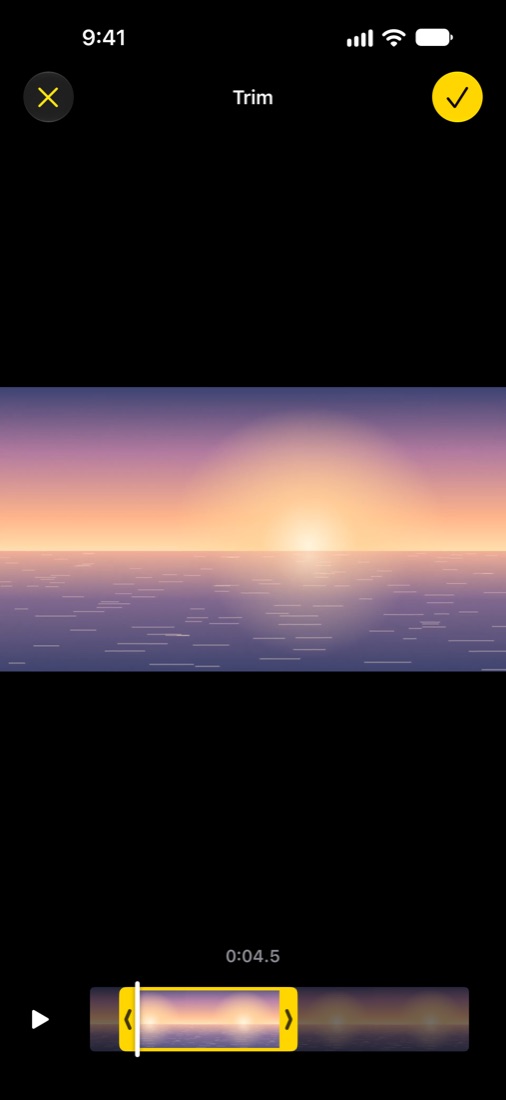
- TrimDrag the handles, just like in Photos, to keep only the best part.
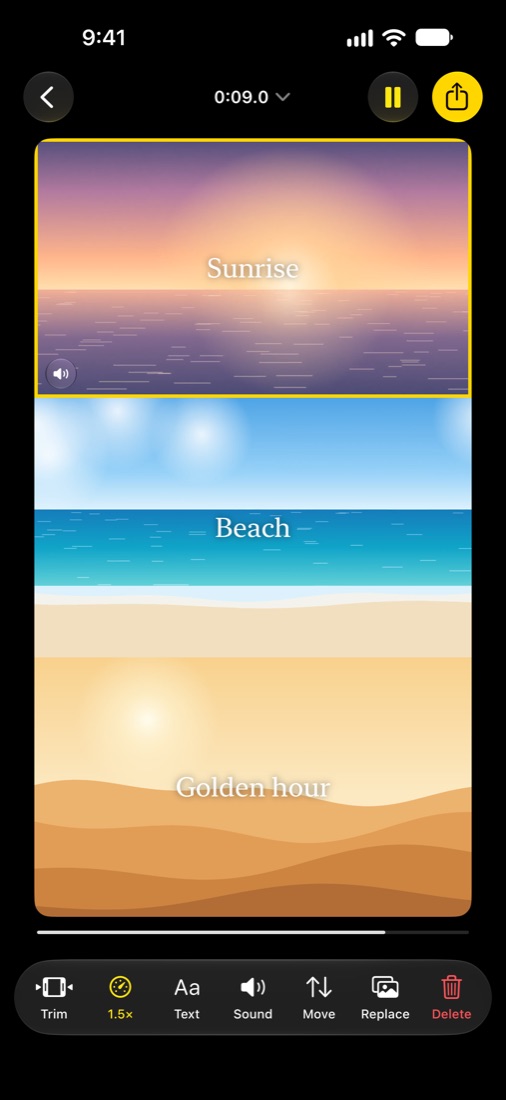
- SpeedSlow the waves to 0.5× or speed up the pour to 2×.
- SoundChoose which clips you hear and which stay quiet.
- TextAdd a caption like “9 am” in a clean serif.
5 pm
Ten looks, named for the hours.
Give any frame a look, from Dawn’s soft pink to Midnight’s cool blue. Set how strong it is, or apply one look to the whole stack so every moment matches. Golden, Film and Mono are free; all ten come with Daystack Pro.
6 pm
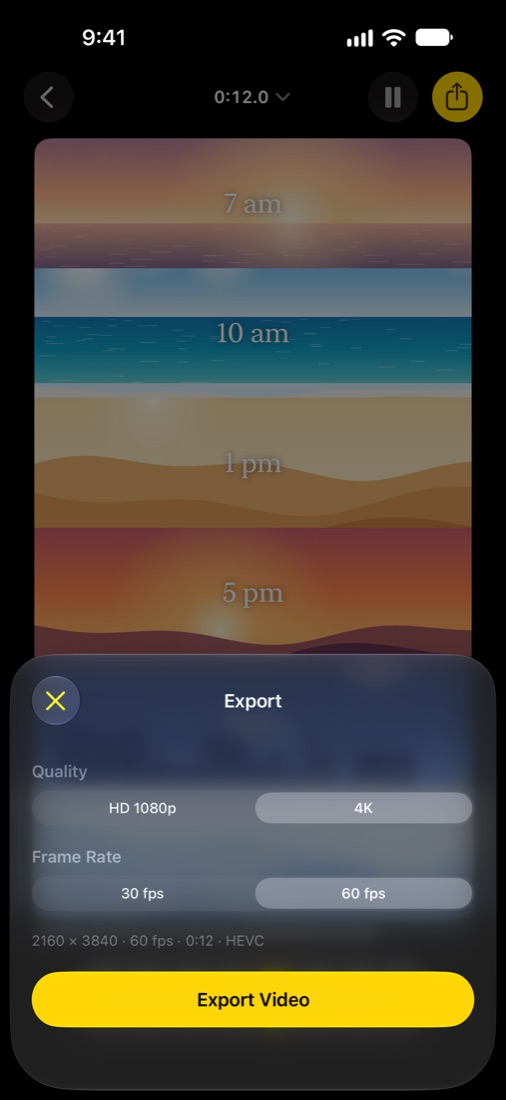
Share it in 4K at 60 fps.
Every frame starts together and loops in sync. Match the longest clip, the shortest, or set an exact length, then save to Photos or send it anywhere. Daystack Pro removes the tag and adds 4K, 60 fps and every look: monthly, yearly with a free week, or once.
- HD 1080p, or 4K with Pro
- 30 fps, or 60 with Pro
- 1 second to 2 minutes
9 pm
It all stays on your iPhone.
No account, no tracking, and your videos are never uploaded. Your projects save automatically so you can pick up tomorrow where you left off.